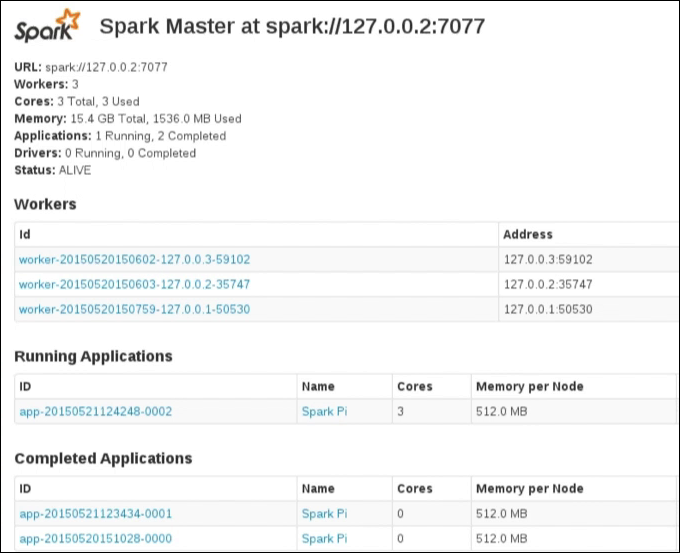
View the Spark Console
Access the Spark Console for a Spark master node from within OpsCenter. After accessing the Spark Console, drill into Spark worker node details.
-
In the left navigation pane, click Cluster > Nodes > List View.
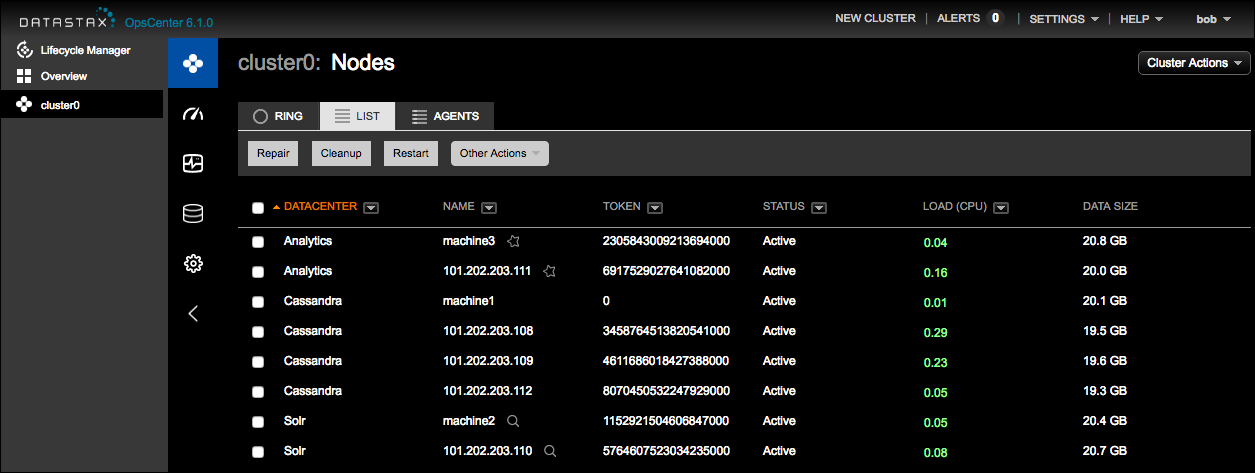
Spark nodes are indicated by a star icon.
-
Click the node in the list to view its details.
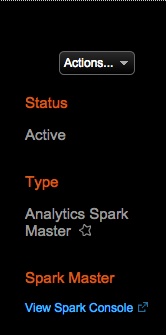
The View Spark Console link appears for nodes that are Spark master nodes. Designate the Spark master nodes by giving the node an alias for faster identification.
-
Under a Spark master node, click the View Spark Console link.
The Spark Console launches in another browser window.